Form 26AS is an important tax document for Indian taxpayers. It acts as a tax credit statement that shows details of taxes deducted or collected against your PAN.
Taxpayers should download Form 26AS before filing their Income Tax Return to verify TDS credits and tax payments.
Before filing your Income Tax Return (ITR), it is important to download and verify Form 26AS to ensure that all TDS, advance tax, and other tax credits are correctly recorded.
This guide explains how to download Form 26AS online step-by-step from the Income Tax Portal.
What is Form 26AS?
Form 26AS is a consolidated statement that contains information about taxes deducted on your income and taxes paid by you.
It includes:
TDS deducted by employers or banks
TCS collected by sellers
Advance tax paid by taxpayers
Self-assessment tax payments
Income tax refunds received
Taxpayers should always verify this statement before filing their return.
Why Form 26AS is Important
Checking Form 26AS helps taxpayers:
Incorrect reporting in the ITR compared to Form 26AS may lead to income tax notices.
How to Download Form 26AS from Income Tax Portal
Follow these steps:
Step 1
Visit the Income Tax e-filing portal.
Step 2
Log in using your PAN and password.
Step 3
Navigate to e-File → Income Tax Returns → View Form 26AS.
Step 4
You will be redirected to the TRACES portal.
Step 5
Select the assessment year and download the statement.
You can download Form 26AS in PDF, HTML, or text format.
Information Available in Form 26AS
Form 26AS contains several sections including:
| Section | Information |
|---|
| Part A | TDS deducted on salary |
| Part B | TDS deducted on other income |
| Part C | TCS details |
| Part D | Refund information |
| Part E | High value transactions |
These details help taxpayers confirm their tax records.
Difference Between AIS and Form 26AS
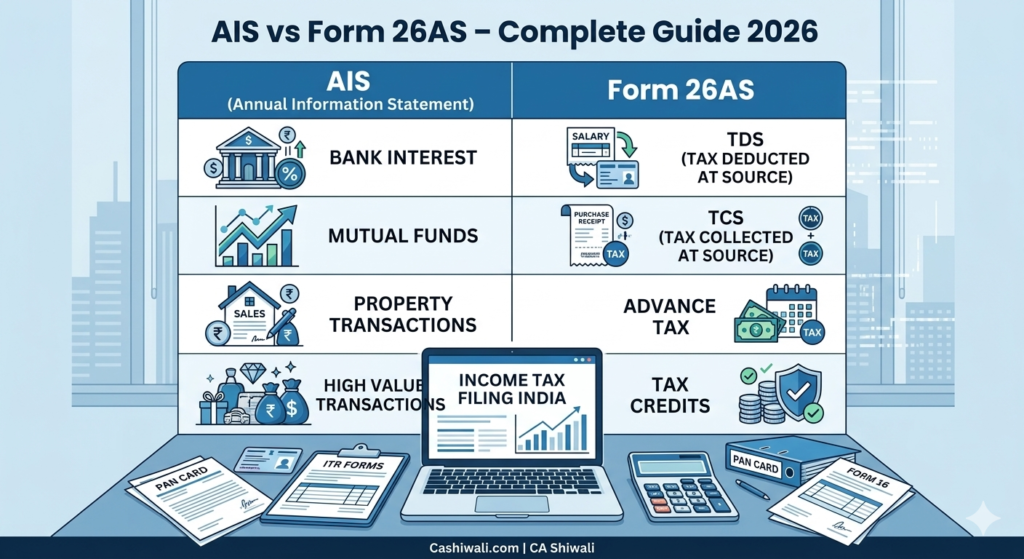
Form 26AS focuses mainly on tax credits, while AIS provides a broader financial statement including investments and high value transactions.
You can read the detailed comparison here:
AIS vs Form 26AS – Complete Guide
Common Issues with Form 26AS
Some taxpayers may encounter issues such as:
These issues should be corrected before filing the return.
Calculate Your Tax Before Filing ITR
Before filing your return, you should calculate your tax liability.
You can use the Income Tax Calculator on Cashiwali to estimate tax quickly.
The tool helps taxpayers understand:
Need Help with ITR Filing?
If you need professional assistance with ITR filing, tax planning, or resolving tax mismatches, you can consult CA Shiwali.
📞 Phone: 9266032777
🌐 Website: https://cashiwali.com
SECTION 2
Useful tools on Cashiwali:
These calculators help taxpayers estimate their tax liability.
Frequently Asked Questions
Is Form 26AS required for filing ITR?
Yes. Form 26AS helps verify tax credits such as TDS and advance tax before filing your return.
Is Form 26AS the same as AIS?
No. Form 26AS shows tax credits while AIS provides a more detailed report of financial transactions.
How often is Form 26AS updated?
Form 26AS is updated regularly as soon as tax deductors file their TDS returns.
Can Form 26AS contain errors?
Yes. Errors may occur if deductors report incorrect information. Taxpayers should contact the deductor to correct the issue.